Business Process Automation: Step-by-Step Implementation
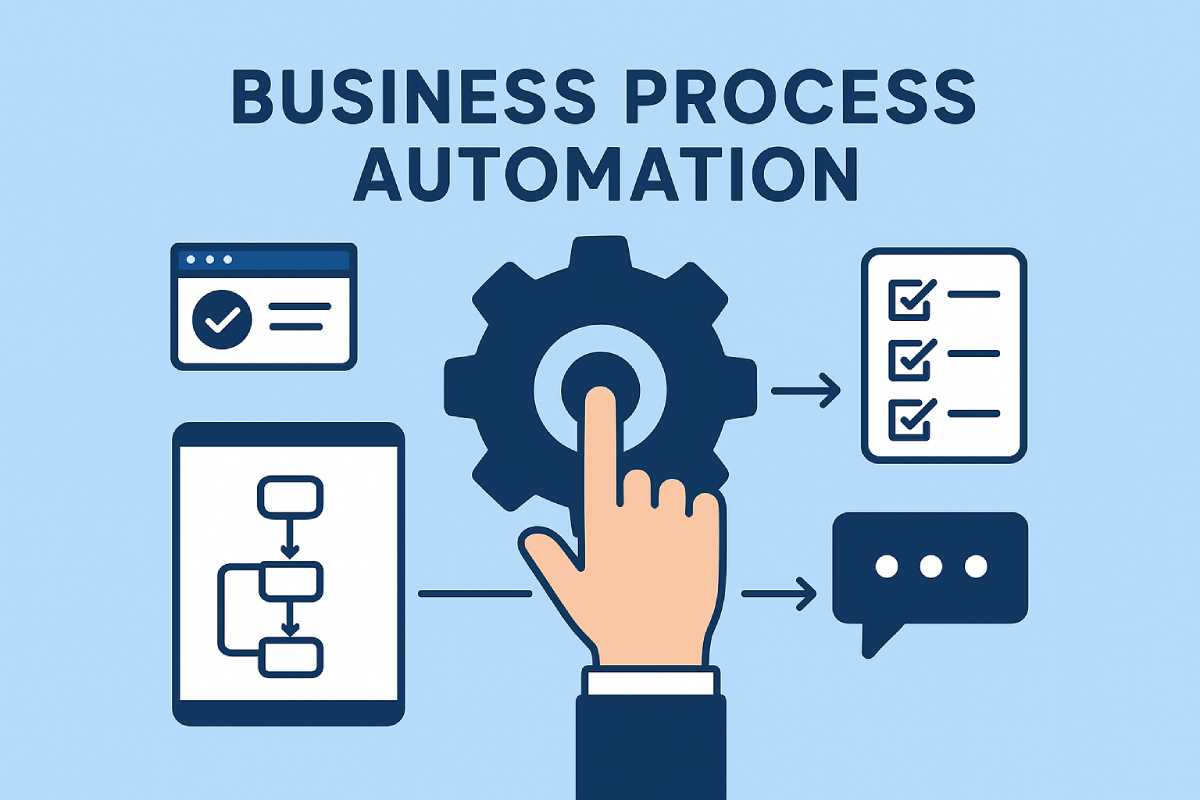
If you’ve ever caught yourself thinking, “Why are we still doing this manually?” — welcome, you’re in the right place. Business Process Automation (BPA) has gone from “nice to have” to “absolute necessity.”
In 2025, businesses aren’t trying to automate everything. They’re automating the right things — tasks that steal time, drain money, and slow down growth.
This article walks through how to automate your operations step-by-step, without overwhelming your team or burning money on random tools.
And if you want to tie all this automation into a complete operational strategy, the Business Operations Optimization Guide 2025 already maps out the bigger picture.
So here’s how to build automation that actually sticks — not the kind your team quietly abandons.
Table of Contents
Why Automation Matters More in 2025
The core idea of automation hasn’t changed — do more with less.
What has changed is the ecosystem around it:
- AI is now baked into everyday tools
- Cloud integrations are smoother
- Warehouses are more automated
- Payment systems are more secure
- Supply chains are more volatile
- Margins are tighter
Automation isn’t a “tech flex” anymore — it’s how you stay competitive.
If you’re already exploring warehouse-level automation improvements, this guide pairs well.
The First Step: Identify What Actually Needs Automating
Most businesses start automation backward — they pick the tool first.
You should start with the pain point.
Ask this simple question with your team:
“What tasks do we repeat every day that add zero value?”
Examples usually include:
- Manual data entry
- Inventory checks
- Purchase order approvals
- Payment reconciliation
- Supplier communication
- Customer service responses
- Reporting and dashboards
Your “automation list” will grow quickly.
And if inventory tasks show up on your list, here’s the full breakdown of how retail systems help.
BPA Categories Every Business Should Review
Not everything needs automation.
But these areas almost always benefit:
1. Inventory & Supply Chain Automation
This is the biggest time saver.
Automation includes:
- Real-time stock syncing
- Automated purchase orders
- Predictive forecasting
- Low-stock alerts
- Supplier coordination
- Automated replenishment cycles
If you want more advanced supply chain stability, Vendor Managed Inventory (VMI) is a proven model.
2. Warehouse Automation
If you’re running a warehouse (or even a small fulfillment center), automation improves:
- Picking accuracy
- Packing speed
- Storage optimization
- Receiving workflows
- Dispatch timing
- Order accuracy
Your deeper guide to warehouse automation is here.
3. Finance & Accounting Automation
Finance automation cuts errors, speeds up reporting, and strengthens cash flow clarity.
Automate:
- AP/AR
- Payroll
- Expense management
- Cash flow forecasting
- Monthly closes
- Budget vs. actual reports
Want CFO-level structure without hiring one full-time?
4. Customer Service Automation
This includes:
- AI chatbots
- Automated ticket triage
- Automated SLAs
- Knowledge base routing
- Auto-order status updates
Done right, it improves response times without feeling robotic.
5. Payment & Fraud Automation
This is essential if you operate in global markets or handle recurring billing.
Fraud checks, risk scoring, and retry logic should be automated — especially if you deal with high-risk payment gateways.
Step-by-Step: How to Implement Business Process Automation in 2025
Here’s the exact framework I use with clients.
Step 1 — Map Your Current Processes (Keep It Simple)
Don’t overthink this.
Use a whiteboard or Google Jamboard.
Draw the steps from start to finish.
You’ll spot:
- Bottlenecks
- Manual steps
- Repetition
- Inefficient approvals
- Delays
This map becomes your automation blueprint.
Step 2 — Pick What to Automate First
Start with:
- High-volume tasks
- High-error tasks
- High-cost tasks
Avoid automating messy, unclear processes — clean them first.
Step 3 — Choose Only Tools That Integrate Easily
Your tech stack should feel like one connected system.
Look for:
- Open APIs
- Native integrations
- Cloud-based tools
- AI features
- Easy adoption
If your warehouse or inventory system can’t integrate, you’ll end up isolating data — which kills automation.
The solution? Tools compatible with POS, WMS, and ERP systems.
Step 4 — Automate Small Tasks Before Big Ones
Don’t automate the whole business at once.
Start tiny:
- Auto-sending invoices
- Auto-generating stock alerts
- Auto-assigning support tickets
- Auto-tagging transactions
Small wins build momentum.
Step 5 — Train the Team (Gently)
People don’t resist automation.
They resist change.
Show them:
- How much time they’ll save
- How fewer mistakes they’ll make
- How workflows become smoother
Keep the communication simple and honest.
Step 6 — Measure Results Using Monthly KPIs
Automation is useless without tracking impact.
Use your Operations KPIs Dashboard (from Article 1) to monitor:
- Cycle time
- Cost per order
- Supplier reliability
- Inventory turnover
- Error rate
- Chargebacks and fraud
- Cash conversion cycle
Your complete KPI dashboard guide: Business Operation Optimization Guide 2025
Common Automation Mistakes (Avoid These in 2025)
- Automating chaos instead of fixing it
- Using too many tools
- No integration between systems
- No KPI tracking
- Not training the team
- Automating tasks that only happen occasionally
Automation should feel like support, not disruption.
Final Thoughts
Business Process Automation isn’t about replacing people — it’s about removing the repetitive, low-value work so your team can focus on growth, strategy, and customers.
And when automation connects with stronger systems like VMI, POS-driven inventory management, warehouse automation, CFO oversight, and fraud-safe payment gateways, your business becomes leaner, faster, and far more scalable.
That’s the real power of automation in 2025.